

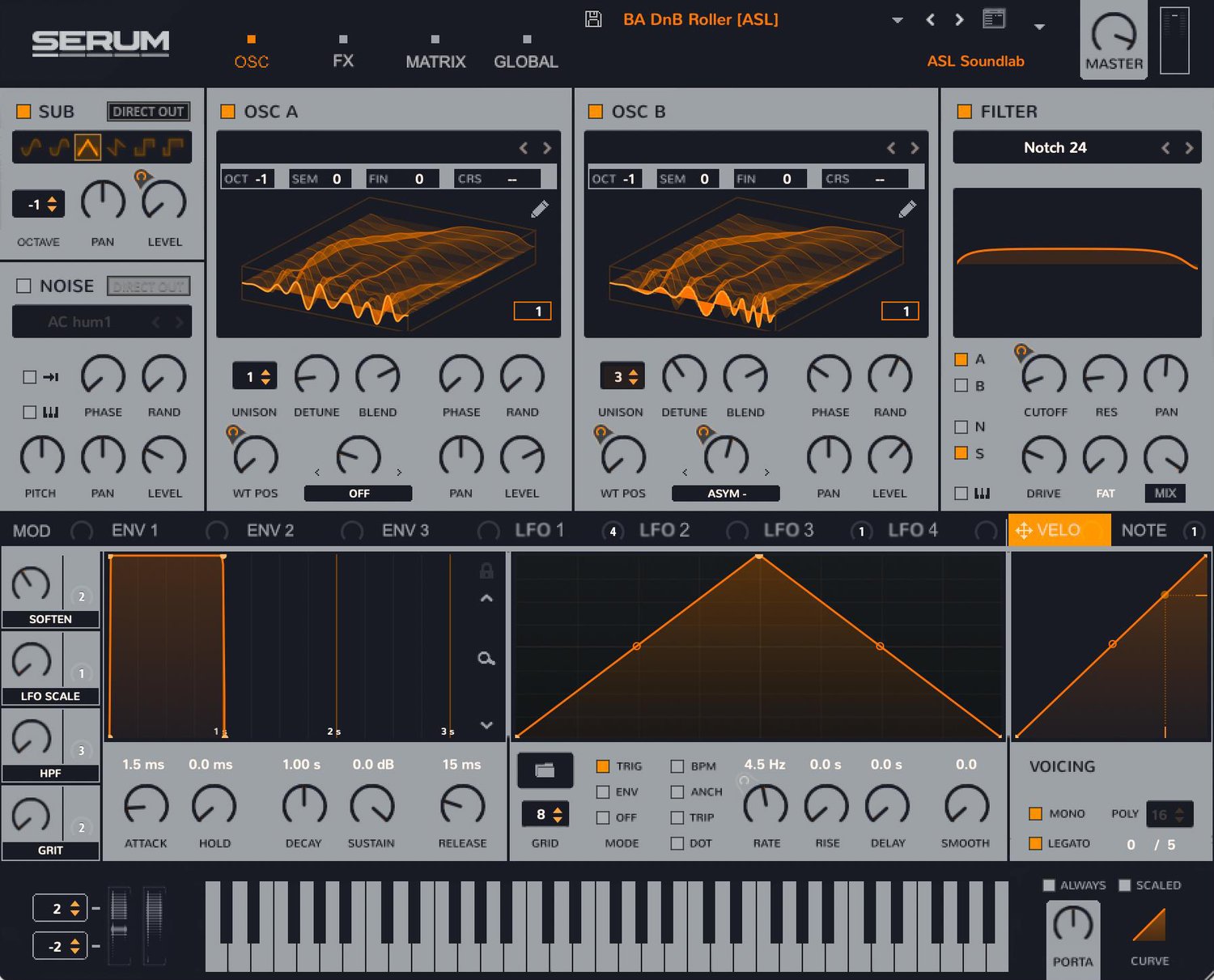
Ableton Serum Skin (Serum 1 Skin)
On Sale
$0.00
How to Install Serum Skins
It's simple to install and change Serum skins. Here's how:
- Open Serum, and from the drop-down menu select "Show Serum Presets Folder".
- Open the "Skins" folder.
- Copy your downloaded skin to the "Skins" folder.
- Open the drop-down menu again and select "Rescan Folders on Disk".
- Now click on the Serum icon in the top length, select "Skin" and choose your new skin.
- Enjoy!